Auto-translated ·
This is a mini macOS app used to quickly save and view the current limits of multiple Claude accounts right from the menu bar or by pressing a shortcut key.
Support for multiple accounts: Add multiple Claude accounts (Work, Personal, etc.), each account with its own login session and a display bar showing usage per week.
Bypass Cloudflare: API calls are sent through a hidden WebKit instance to avoid being blocked by Cloudflare bot protection.
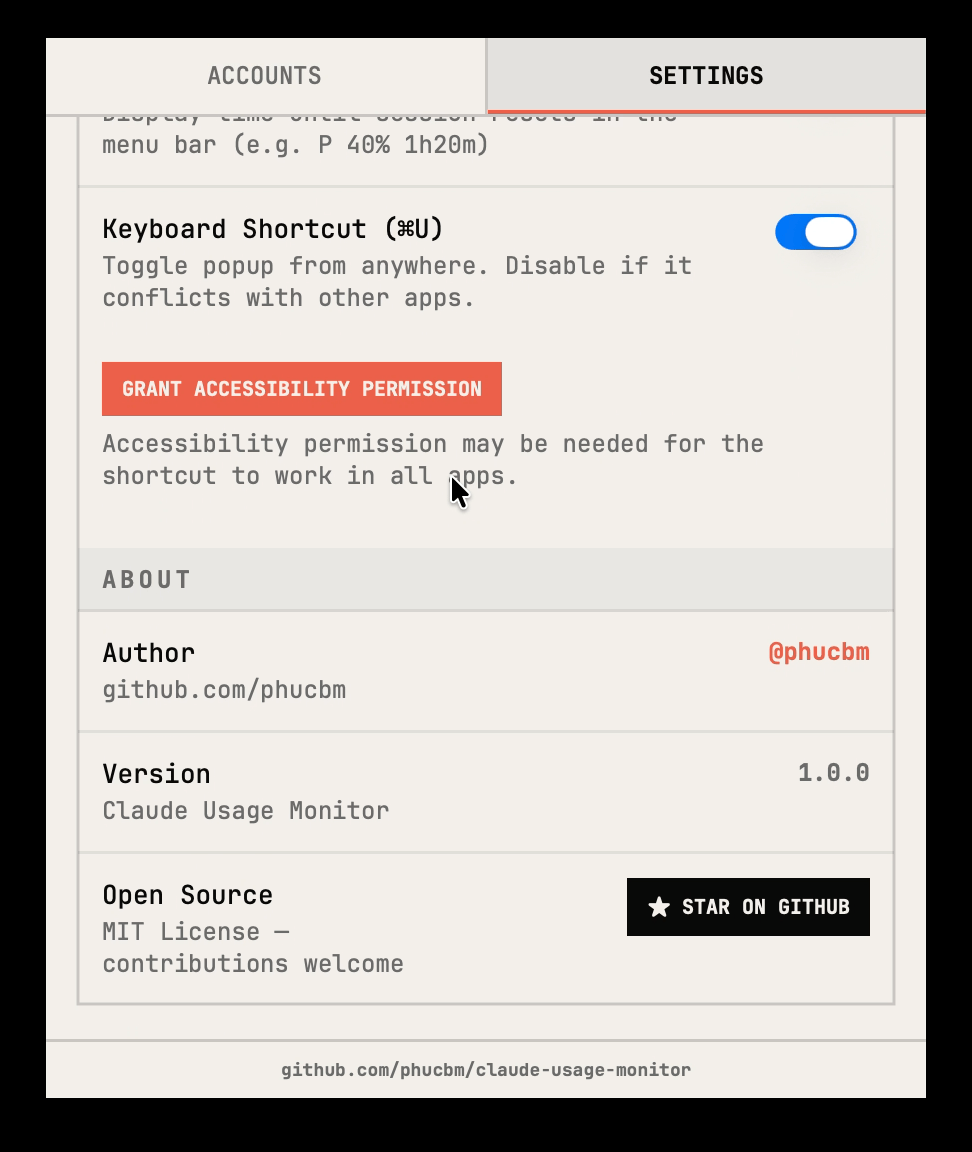
Shortcut key: Open the popup quickly using Cmd+U from anywhere.
Automatic updates: Automatically refresh data every 5 minutes and whenever the popup is opened.
Privacy priority: All data (cookies, settings) is saved locally in UserDefaults.
Runs only on the menu bar: No icon in the Dock, operates neatly on the menu bar.
Related products







Claude Usage Monitor
Kiểm tra Claude Usage từ nhiều tài khoản trên menubar của Macbook
13
Reviews & comments